Walk
Two buttons on the left. Hold one and you walk. Keep holding it in the air and you steer.
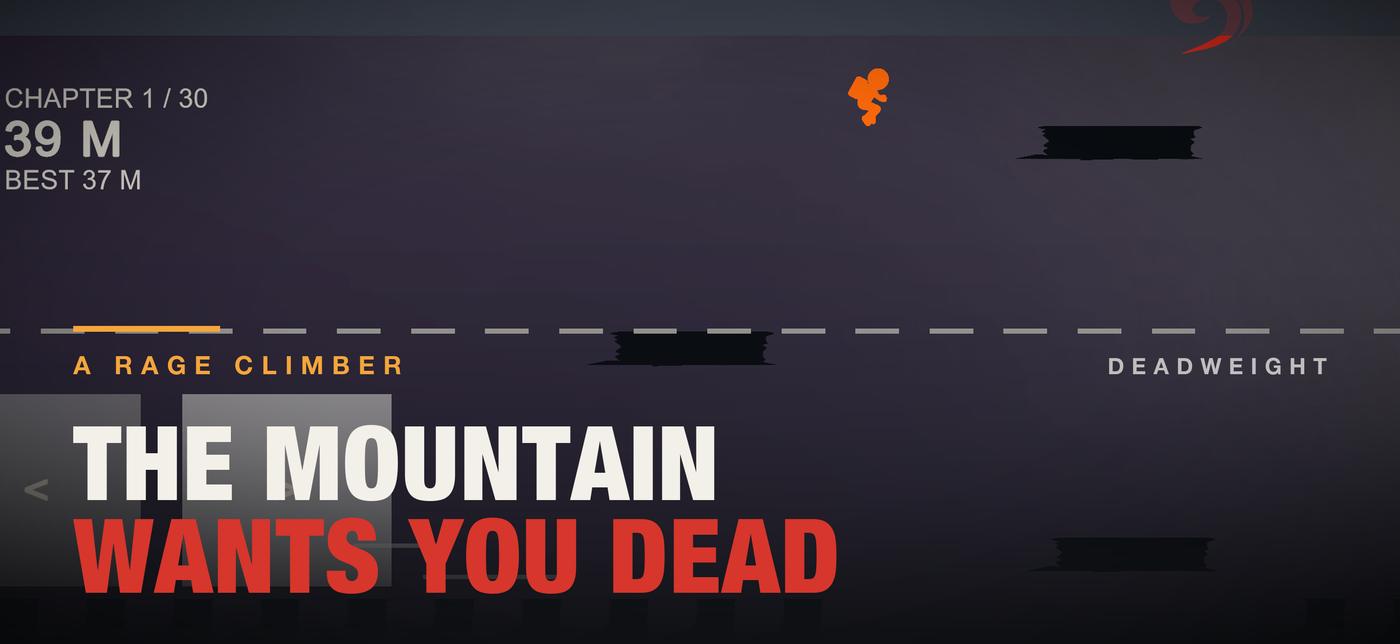
This is chapter 1 of the iPhone game, running in your browser. Five rooms, one trap in each, a storm blowing through all of them, and most traps wait until you are standing on the ledge.
How it plays↗30 chapters on iPhone and iPad. The first one is free here. The first two are free in the app.
The Foothold
5 rooms · 5 traps
29 more chapters
Turn your phone sideways. The rooms are wide.
Paused
Your deaths and your time are where you left them.
Chapter 1 · The Foothold · Extreme
The First Lie and the 28 chapters after it are in the app. Your first two chapters there are free.
Stars work like the app: one for getting out, one for 90 seconds or less, one for 3 deaths or fewer.01 / 04
Three buttons
Walk left, walk right, jump. On a phone they sit under your thumbs. Here they are the arrow keys and the space bar.
Two buttons on the left. Hold one and you walk. Keep holding it in the air and you steer.
One button on the right. Tap it for a lower jump. Hold it to go the full height, which is about one ledge and a bit.
You can change direction mid-air. That is exactly why the gust takes the steering away from you while it pushes.
From the app
Three clips recorded in chapter 3. You can see the walk buttons in the corner.
Twelve kinds of trap
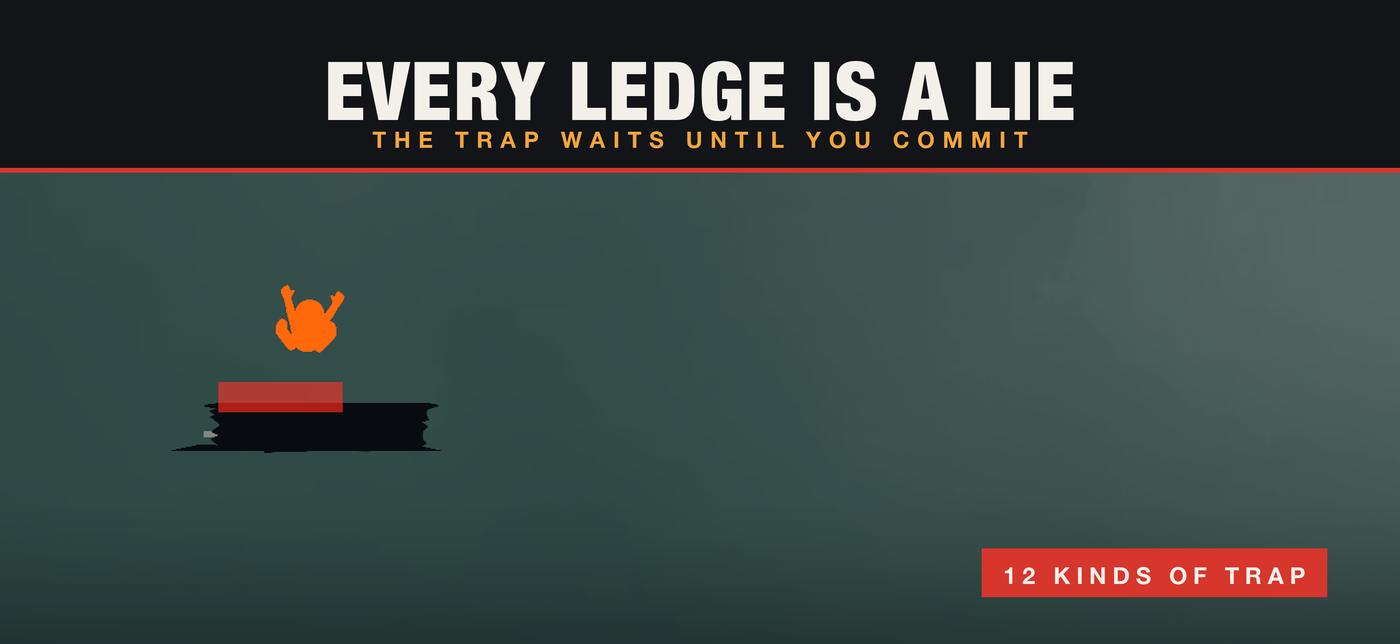
Every trap carries a menace score in the code. On Steady the game arms the gentle ones first. On every other setting it starts with the worst. Five of them are in chapter 1.
The floor of the room you just walked into.
Above the jump you were always going to make.
Crosses the space between two ledges, on its own schedule.
In chapter 1Runs the length of the ground you need to stand on.
Comes down the column you are standing in, not the one beside it.
In chapter 1Shoves you sideways in the air and takes your steering while it does.
In chapter 1The ground moves under you on the way out of the room.
Holds long enough for you to believe it, then gives.
In chapter 1Floor nails, with a safe patch you have to spot before you land.
On the surface you were about to brush past.
The ledge turns to ice and tips once you are standing on it.
In chapter 1A ledge that was never there. You find out in the air.
The route
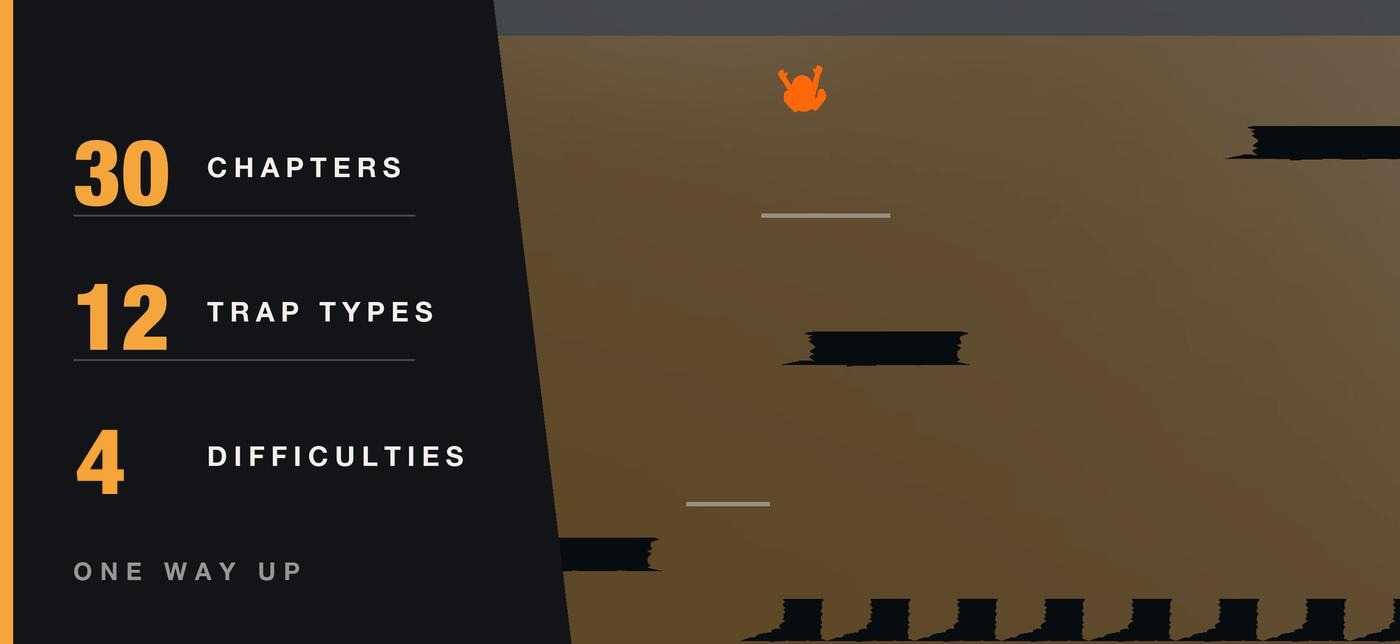
Nothing is generated. Every ledge and every trap was placed by hand, in order, from the foothills to the false floor.
Four settings
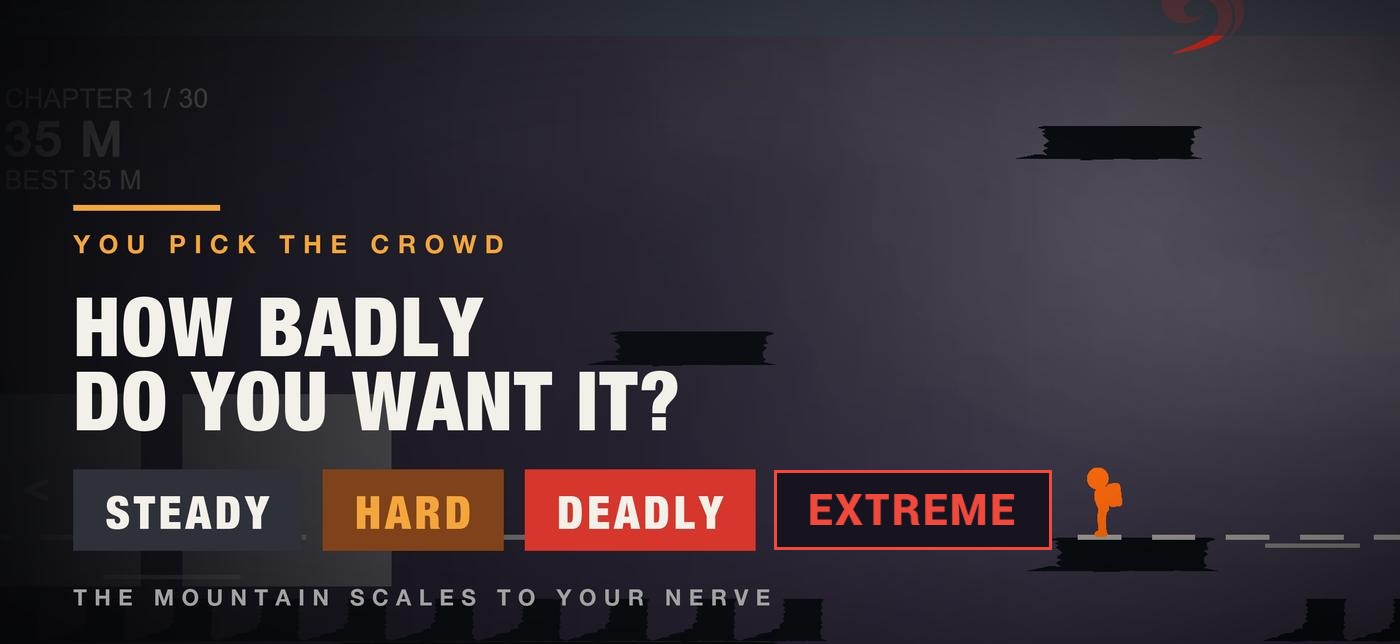
There is no health bar to scale. Difficulty changes how many traps are armed and how long a trap waits before it bites. Change it any time in Settings. Your records stay.
From chapter 2 on, arms fewer traps than the room was written with and picks the gentle ones first.
Full delayThe room as it was written. Every trap armed.
Delay × 0.8Same traps, half the warning. The beat you were counting on is gone.
Delay × 0.5Everything armed, a storm in every room, a quarter of the warning. The browser chapter starts here. Pick any of the four above the Play button.
Delay × 0.25What it looks like
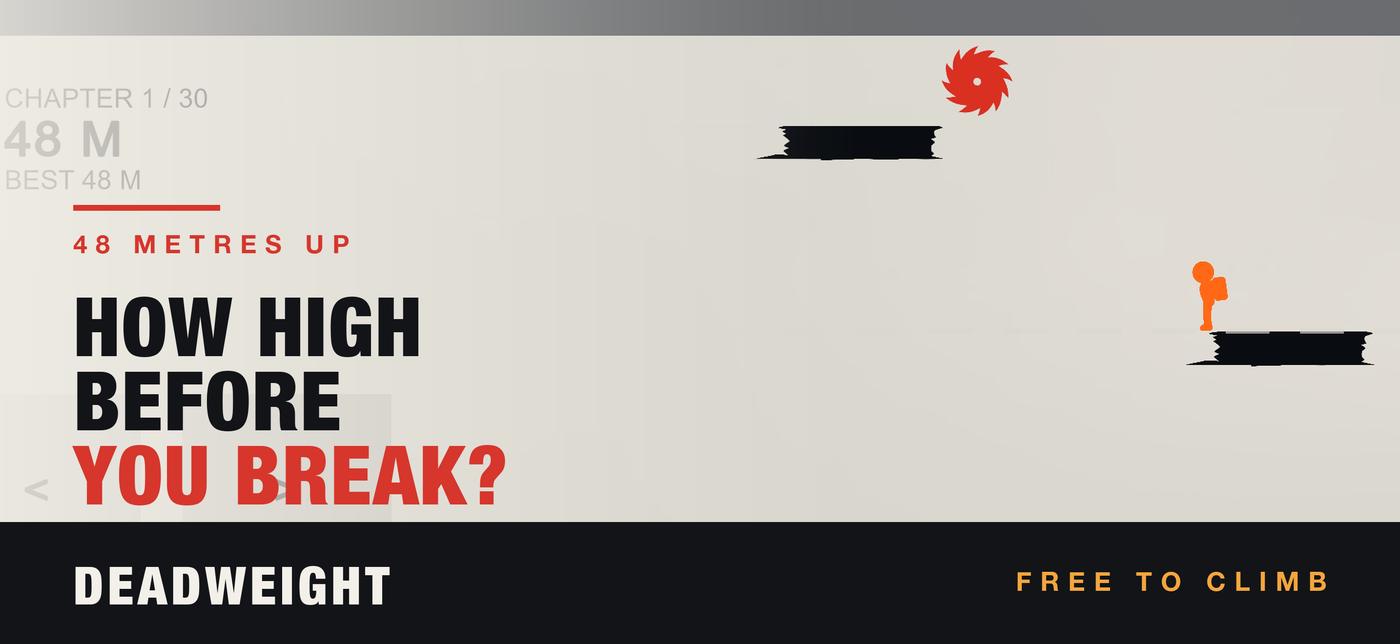
Red means danger and nothing else is red. You can always see what is about to kill you. Seeing it is not the hard part.
What it costs
Chapters 1 and 2 are free in the app, complete and untimed. A single purchase opens chapters 3 to 30 for good, on every device signed in to the same Apple Account.
Before you ask
It is chapter 1 rebuilt for the web from the game's own level file: the same five rooms, the same five traps, the same jump height, walk speed and timing. It starts on Extreme, the hardest setting in the app, storm included, and you can switch to Steady, Hard or Deadly above the Play button. The app adds the other 29 chapters, sound, haptics, a daily climb and a ghost of your best run.
The download is free and chapters 1 and 2 are complete. One purchase opens chapters 3 to 30 permanently. It is not a subscription, and there is nothing to cancel.
It starts on Steady. From there you can go up to Hard, Deadly or Extreme whenever you like, and back down again. Extreme arms everything and puts a storm in every room.
No. All thirty chapters were built by hand, in a fixed order. The only thing picked by the date is the Daily, so everyone climbing today climbs the same one.
Only to make the purchase. After that it plays offline. There is no account and no server to be down.
Yes. It runs on iPhone and iPad, in landscape, either way up.
Open Settings, or pick any chapter past 2, and tap Restore Purchase. The device has to be signed in to the Apple Account that bought it. If that does not work, email the receipt and it will be sorted out.
One chapter is up top. Twenty-nine more are in the app, and they do not get kinder.
Support
Email Workplace0331@gmail.com. It is one person reading it, so please include your device and iOS version. Expect a reply within a few days.
Open Menu → Settings, or select any chapter past 2, and tap Restore Purchase. The device must be signed in to the Apple Account that made the purchase. If it still will not restore, email the Apple receipt and it will be fixed.
Check Menu → Settings → Difficulty. It cycles Steady, Hard, Deadly and Extreme, and Steady is the gentlest. Your records are kept either way.
Menu → Settings → How To Play replays the tutorial at any time.
Purchases go through Apple, so refunds do too — use reportaproblem.apple.com. I cannot issue them directly.